Deeplink’s AI Desk has a sweet automatic aggregation feature. Messages that enter the Inbox get automatically grouped together, and an event is automatically created of the right kind.
Automatic Aggregation
This feature currently only works with incoming messages from Threema.
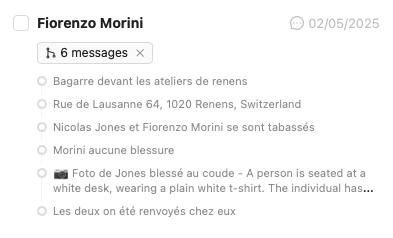
The rule for deciding whether go groupe messages or not, is the following.
- all messages from the same user
- after 15 minutes with no new messages
These get grouped together into one single note. This works with all types of messages (texte, location, images). This triggers step two: automatic event creation.
Automatic Event Selection
After the aggregation, and event gets created. When there is more than one event-type available, an automatic process gets executed that tries to guess the right type of Event. This ensures that adequate workflows get triggered.

The user receives a special UI warning that informs them of this “guess work” by the system. The user can accept or refuse, but if accepted the linked documents (from workflow) are already created, which saves time.
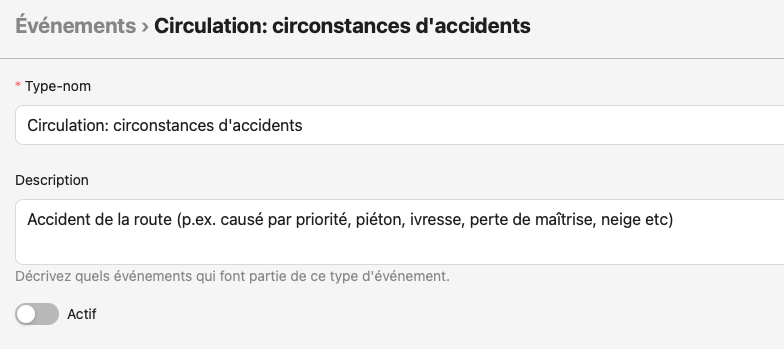
How to influence event-type detection? In order to guess which event-type is the closes to the content provided, the system relies on two sets of information:
- the Event Type’s name
- the Event type’s description
It is thus paramount to configure them with meaningful names.
Example :