
Deeplink is constantly evolving to keep pace with our customers’ needs and advancements in AI. Find all our updates here: new features, improvements, and bug fixes, carefully documented so you don’t miss a thing.
-
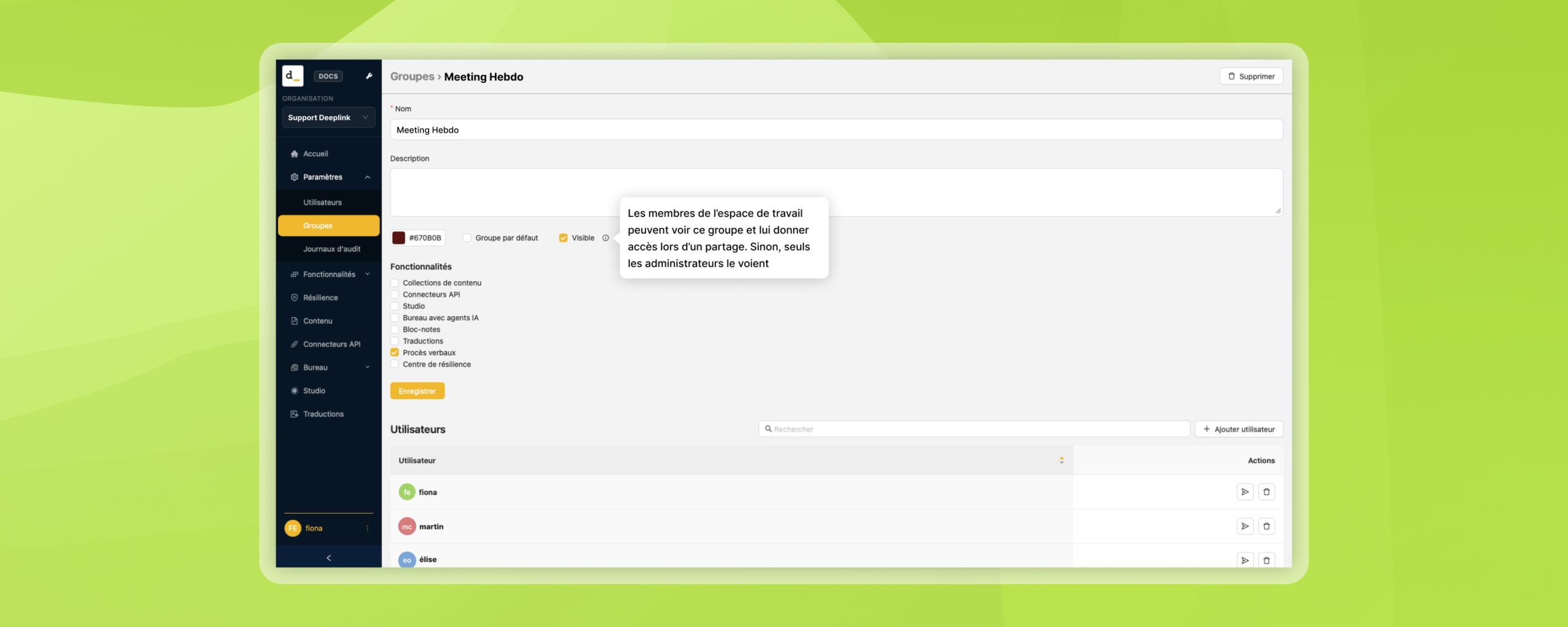
Choose who can see your groups
When creating a user group, the Workspace Administrator decides whether that group is visible to members of the workspace. A visible group can be granted access when sharing content. A…
-
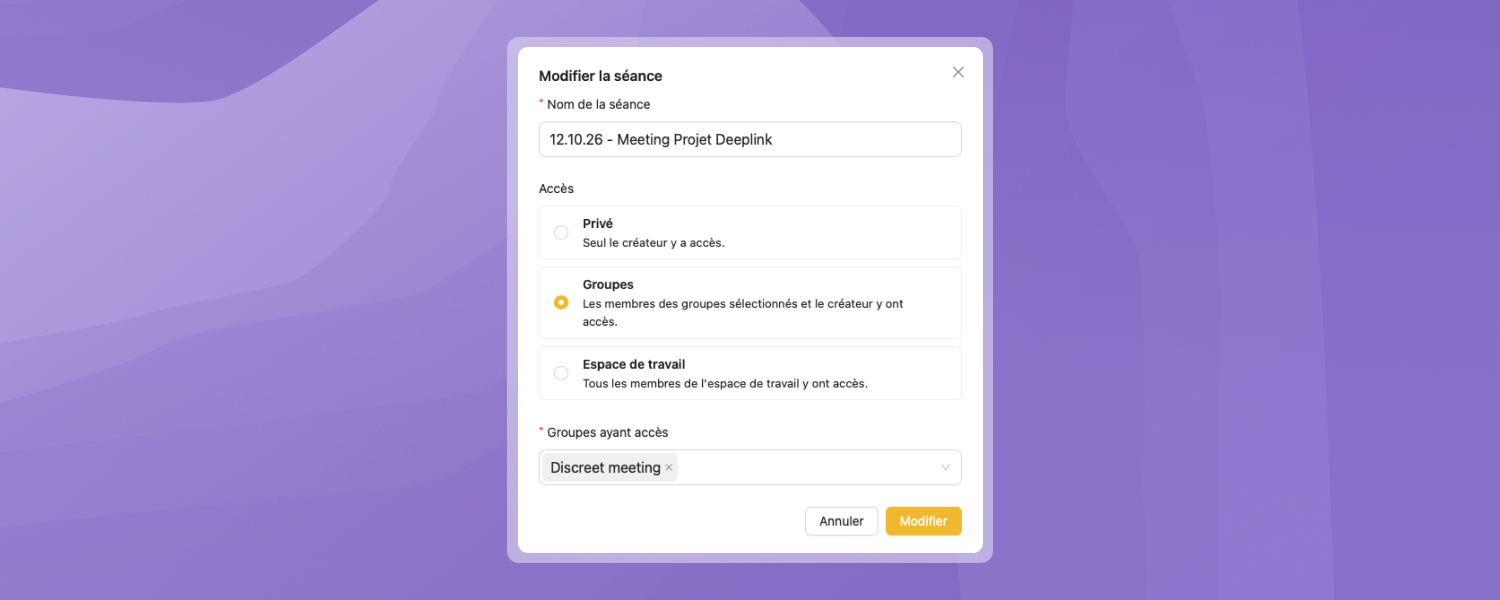
Choose who can see your meeting minutes
The generated meeting minutes now have three visibility levels: Private, Groups, and Workspace. The Workspace Administrator creates user groups. Users can then keep their meeting minutes private or share them…
-
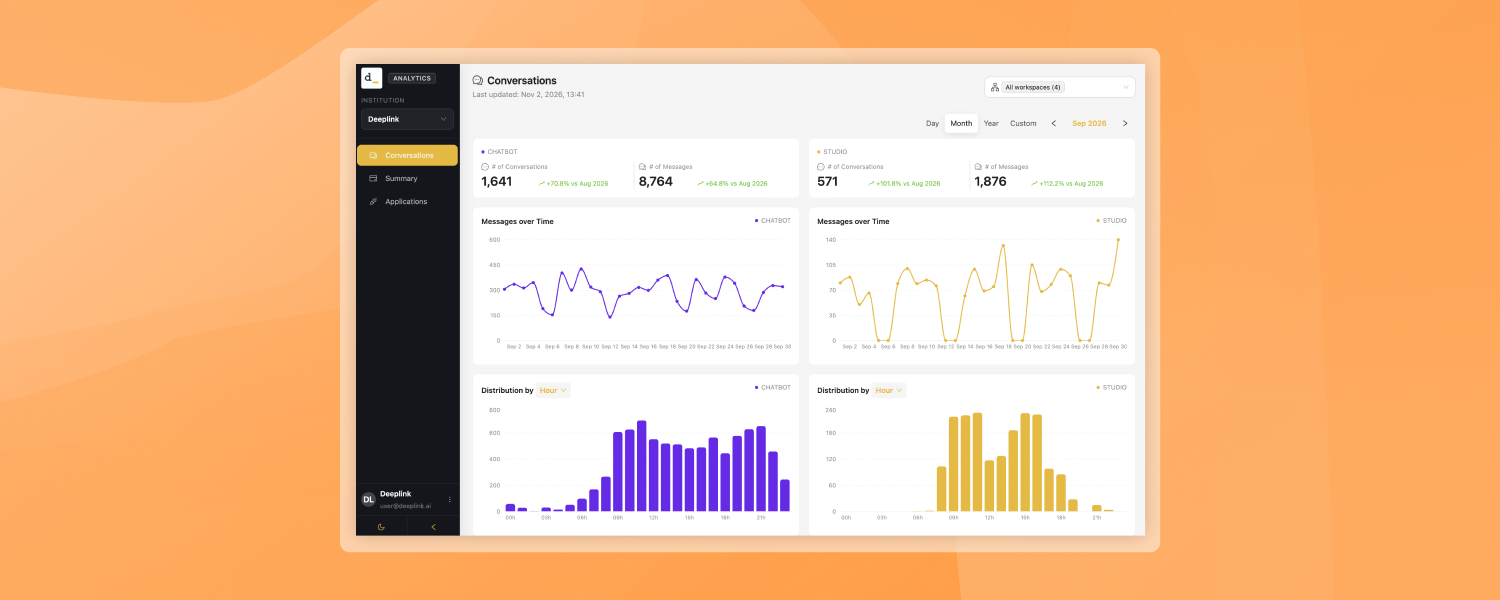
Analytics – new “Conversations” module
The Analytics app has a new Conversations page that shows, on a single screen and side by side, how the Chatbot and Studio channels are used over the period you…
-
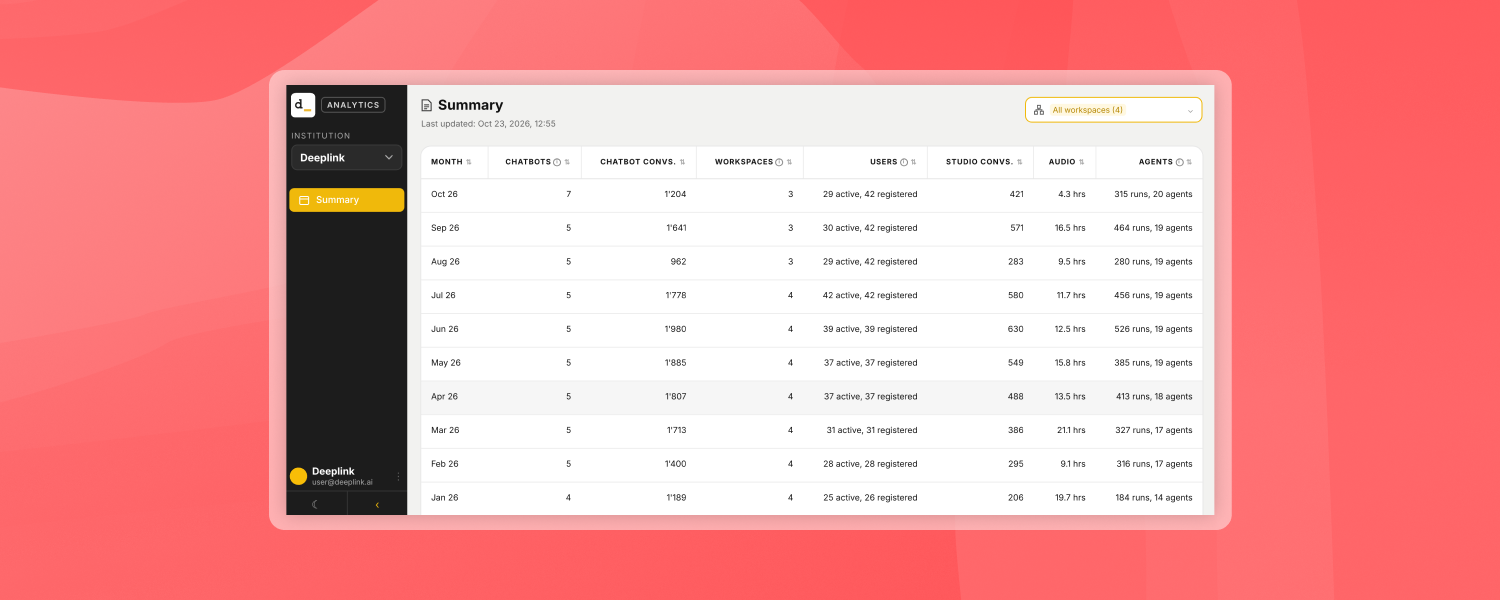
Analytics
Administrators now have a new app, Analytics, that shows, month by month and on a single screen, how their organisation uses Deeplink: chatbots, Studio, audio transcription, agents and users. Benefits…
-
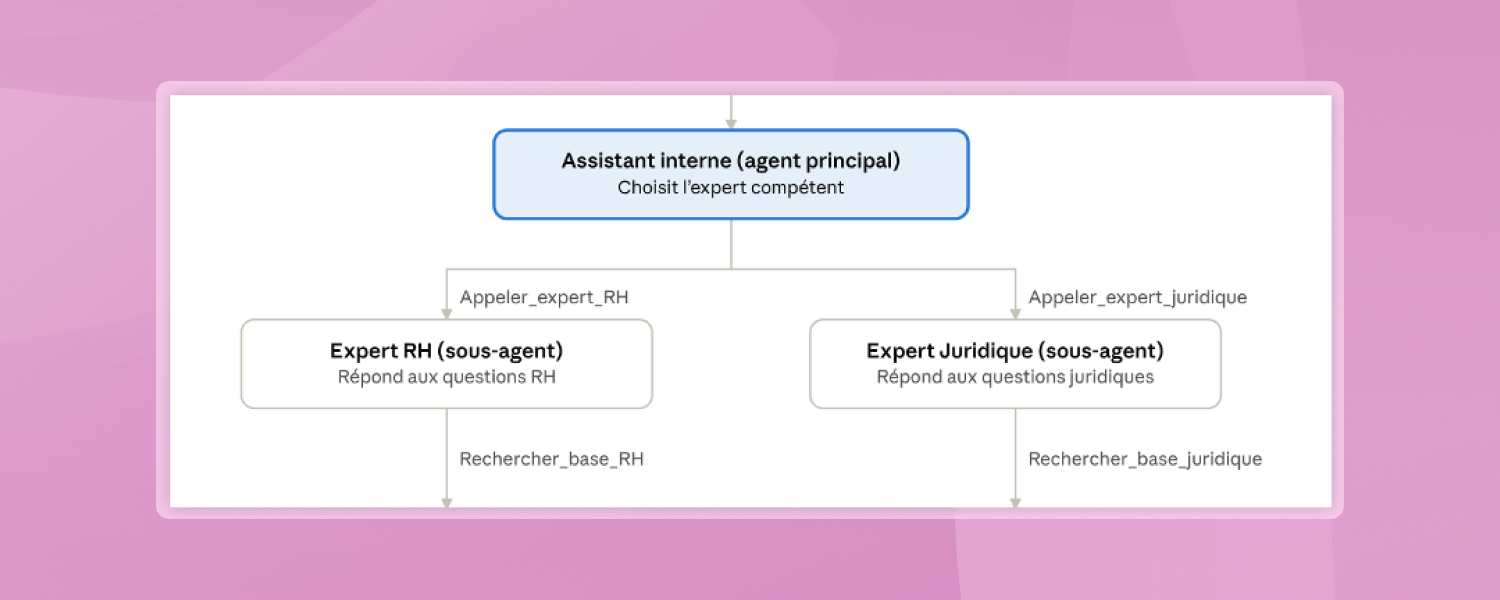
Sub-agents
You can now create expert sub-agents. A main agent receives the user’s request and automatically routes it to the expert sub-agent for the relevant domain. Each expert sub-agent answers only…
-
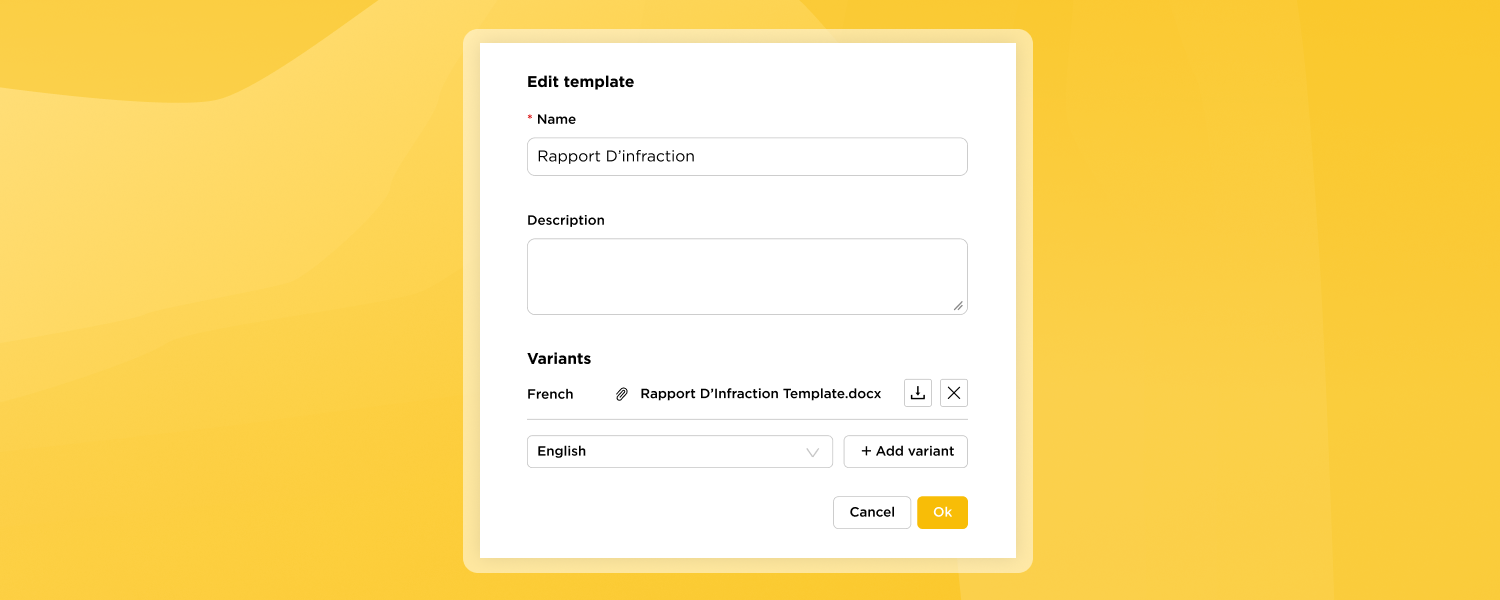
Word document generation from Templates
Deeplink Events can now produce ready-to-use Word documents (.docx) that follow your organisation’s format. You no longer need to copy AI output into a separate document and reformat it by…
-
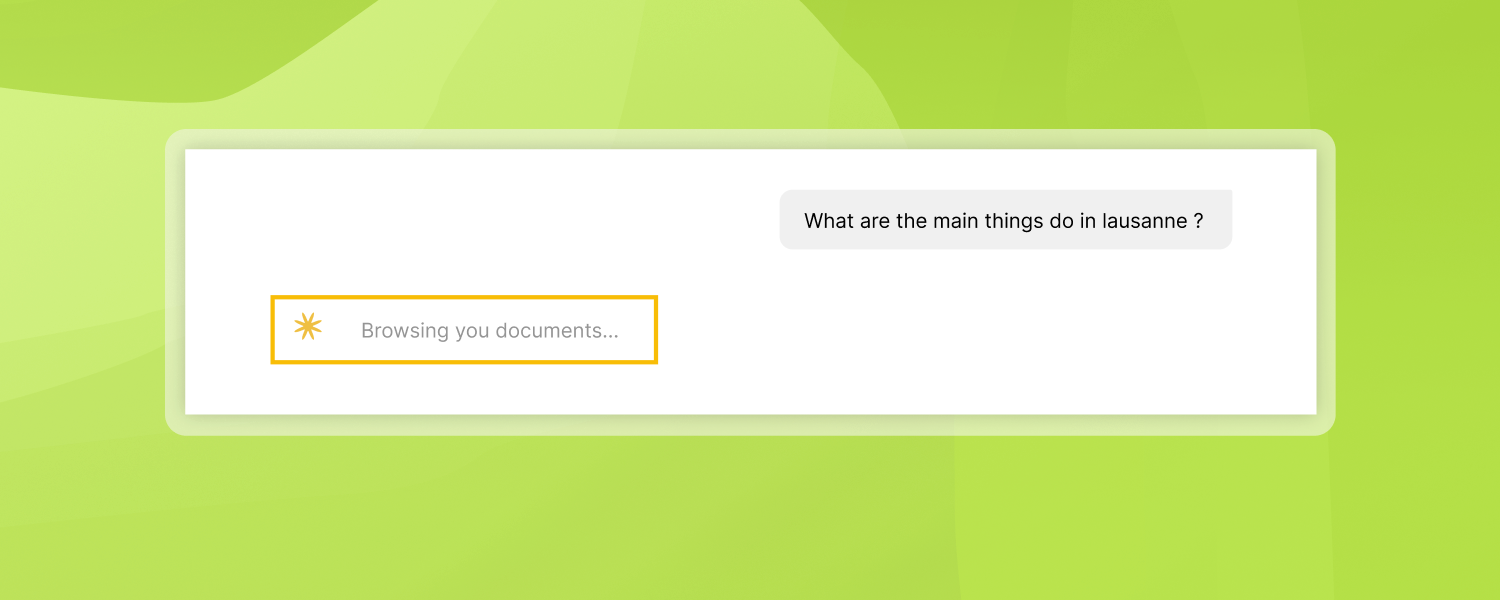
Research Status
While the assistant is working, you now see a brief description of what it’s doing, instead of just a loading indicator. When a request triggers tool calls—such as reading a…
-
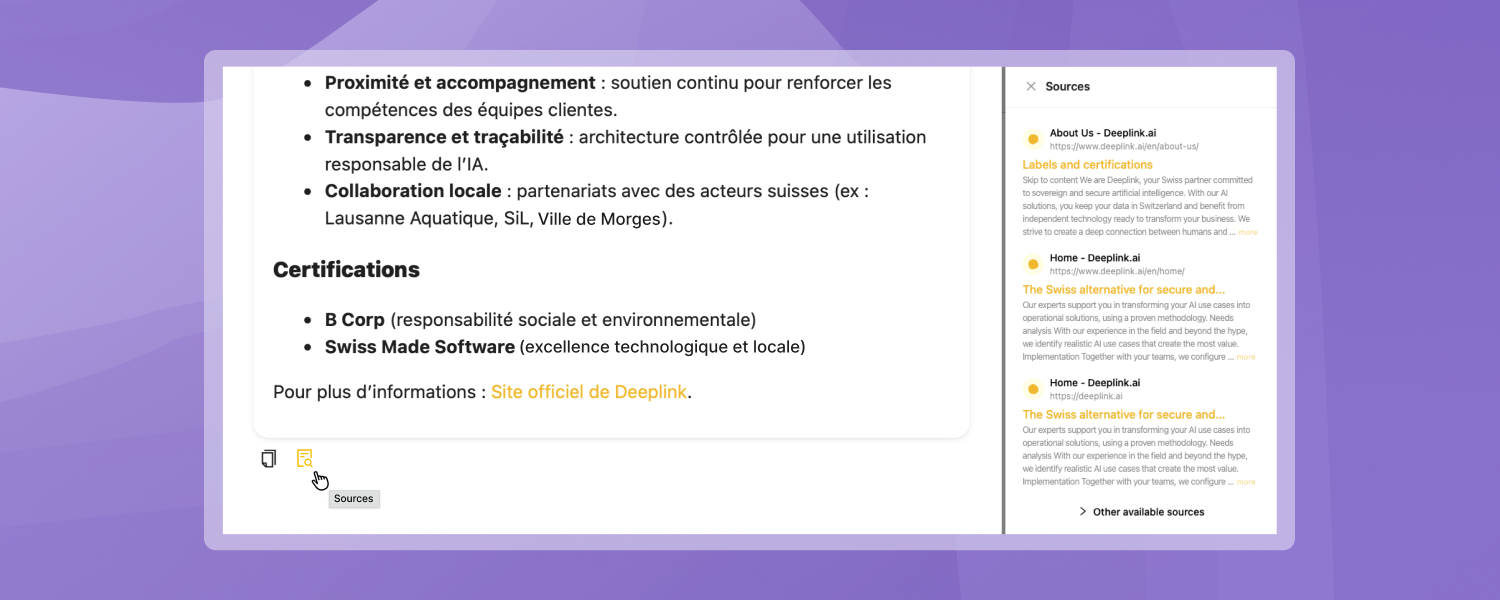
Asynchronous Sources
Conversations now open faster. Instead of loading every source upfront, the assistant returns its answer immediately and sources are fetched only when you actually click to see them. Ranking is…
-
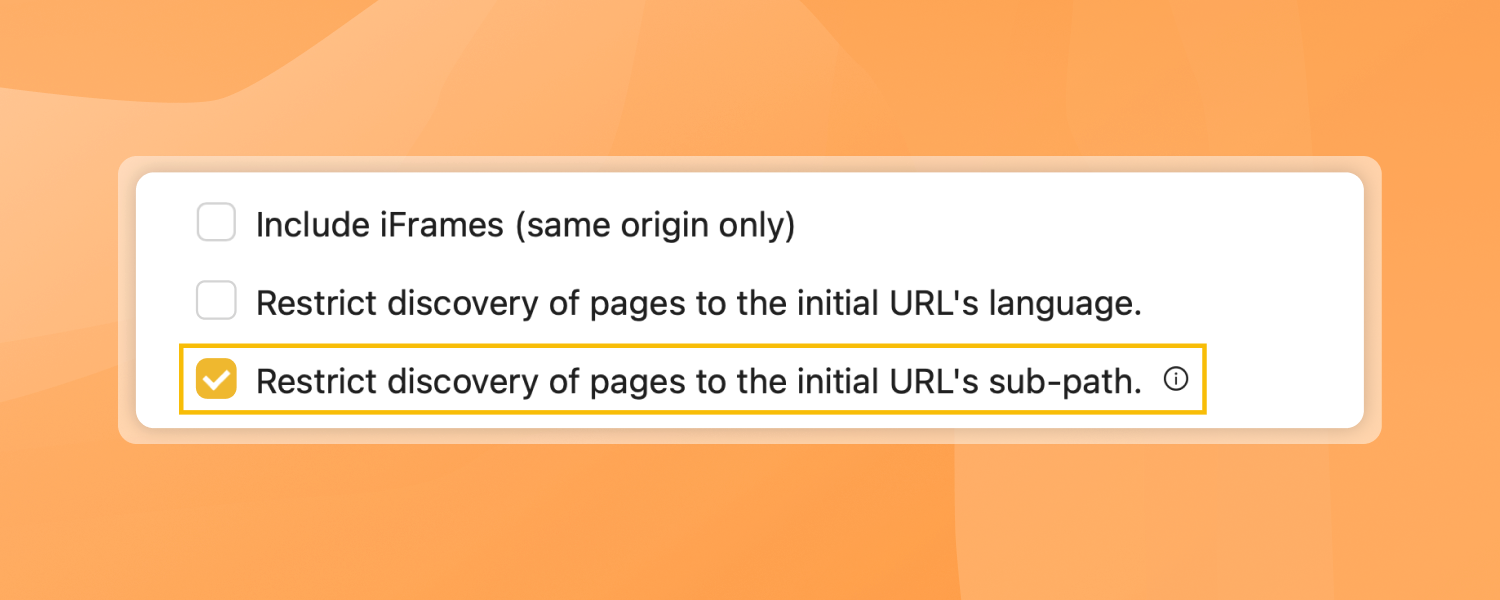
Crawler Stop Fix
You can now choose to configure the crawler to stay within the sub-page it’s given so it no longer crawls back to the home page. If you point it at…
-
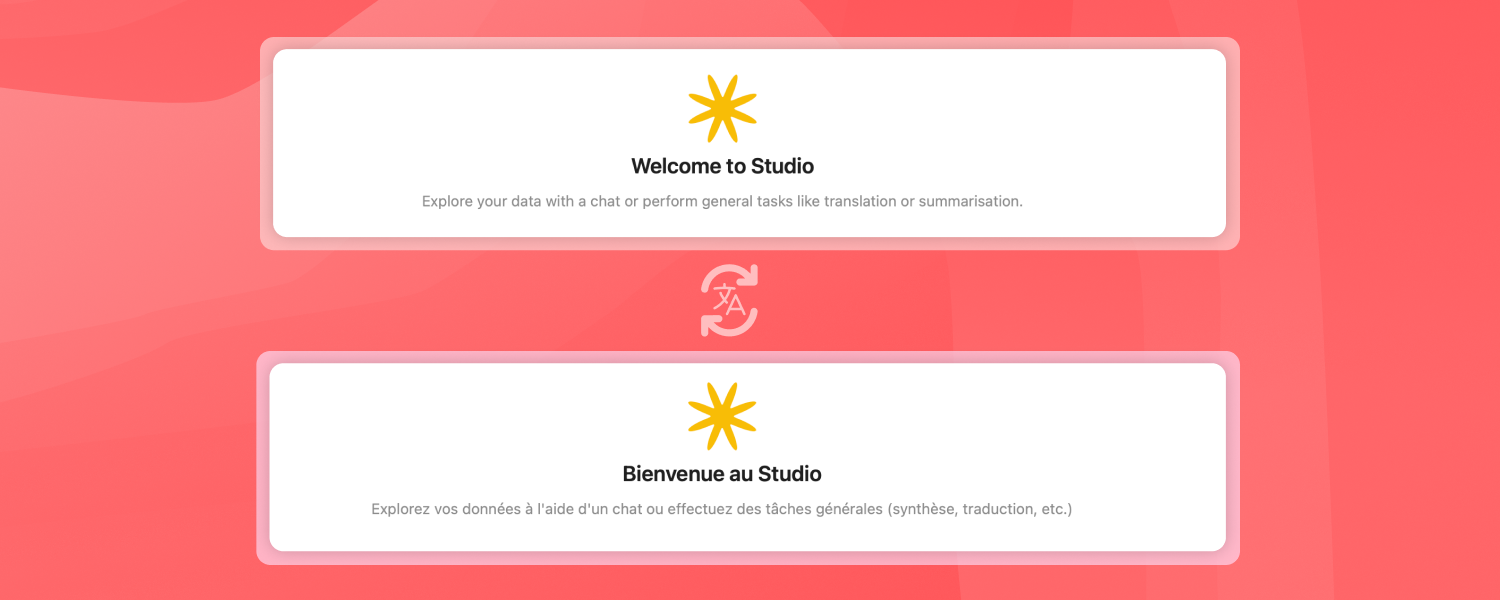
Improvements in terms of accessibility
All buttons and labels are correctly translated into all languages, and the platform can be fully navigated using a keyboard or a screen reader. In the chat interface, messages are…
-
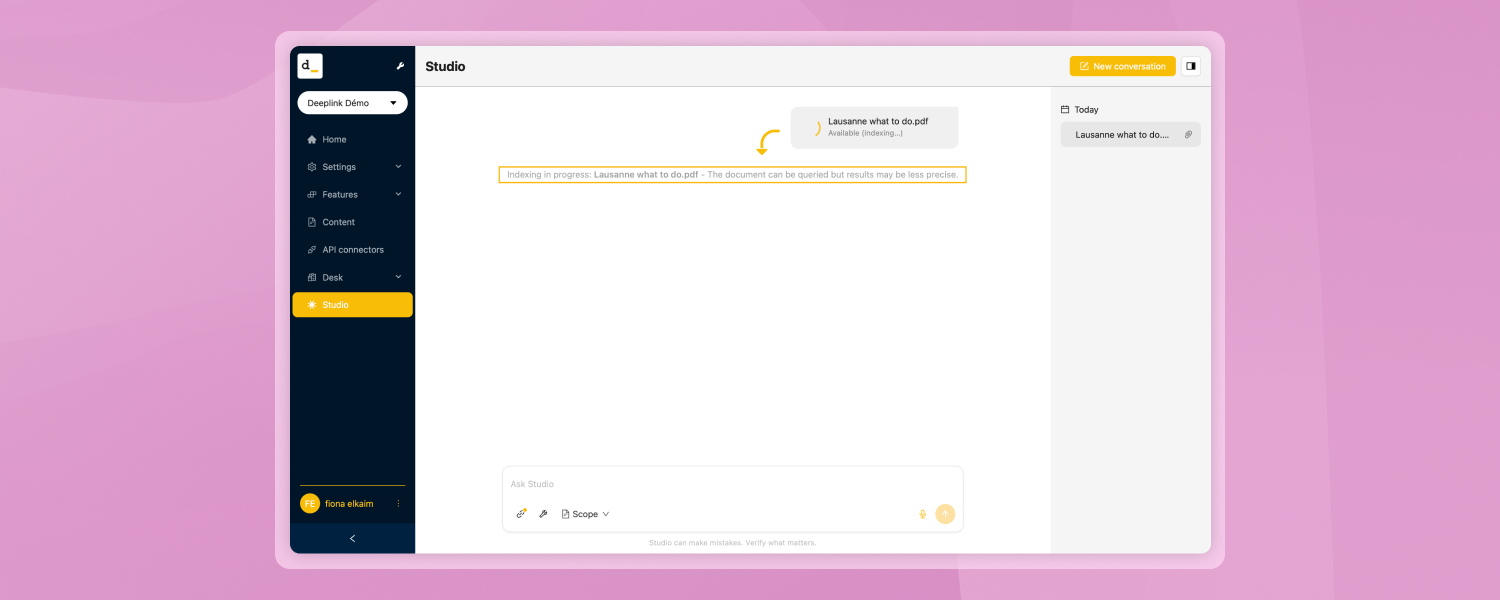
Faster and more accessible document uploads and conversations
You can ask questions about an uploaded document immediately, without waiting for the system to finish processing it. There is a slight trade-off: as long as the document is still…
-
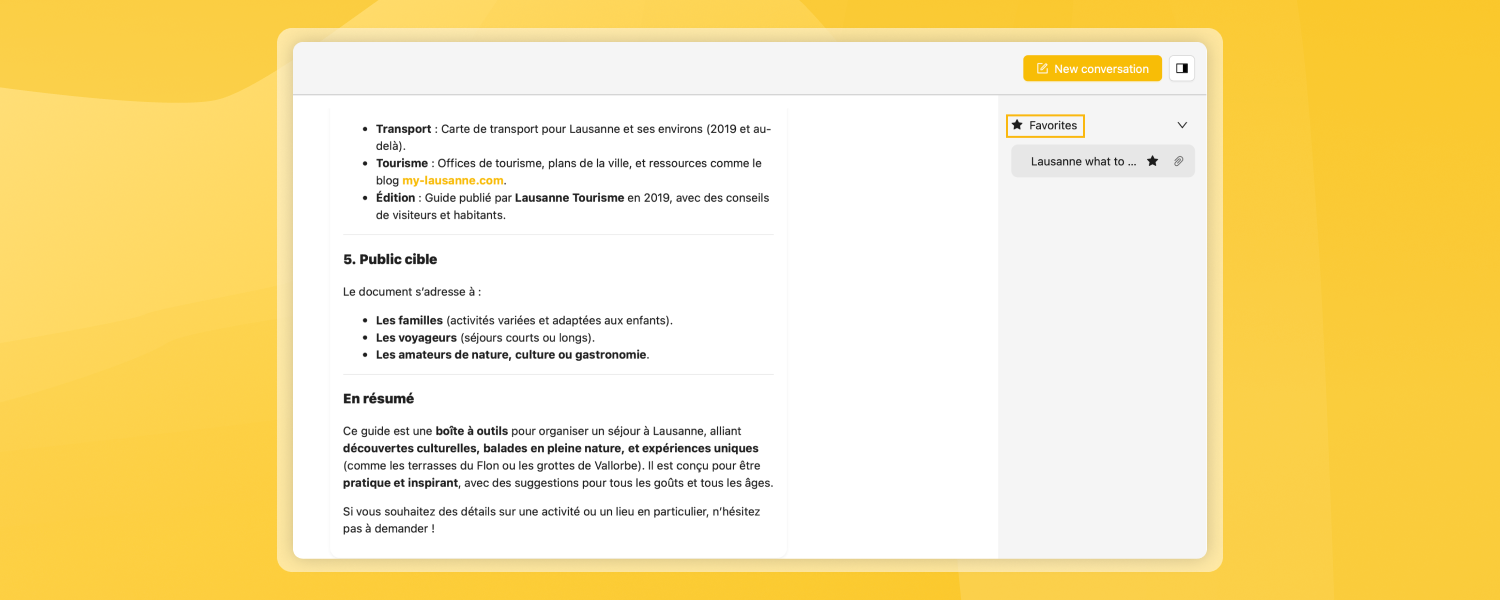
Favorite Conversations
You can now mark a conversation with a star to find it easily. Favorited conversations appear in a dedicated section at the top of your sidebar and are never automatically…
-
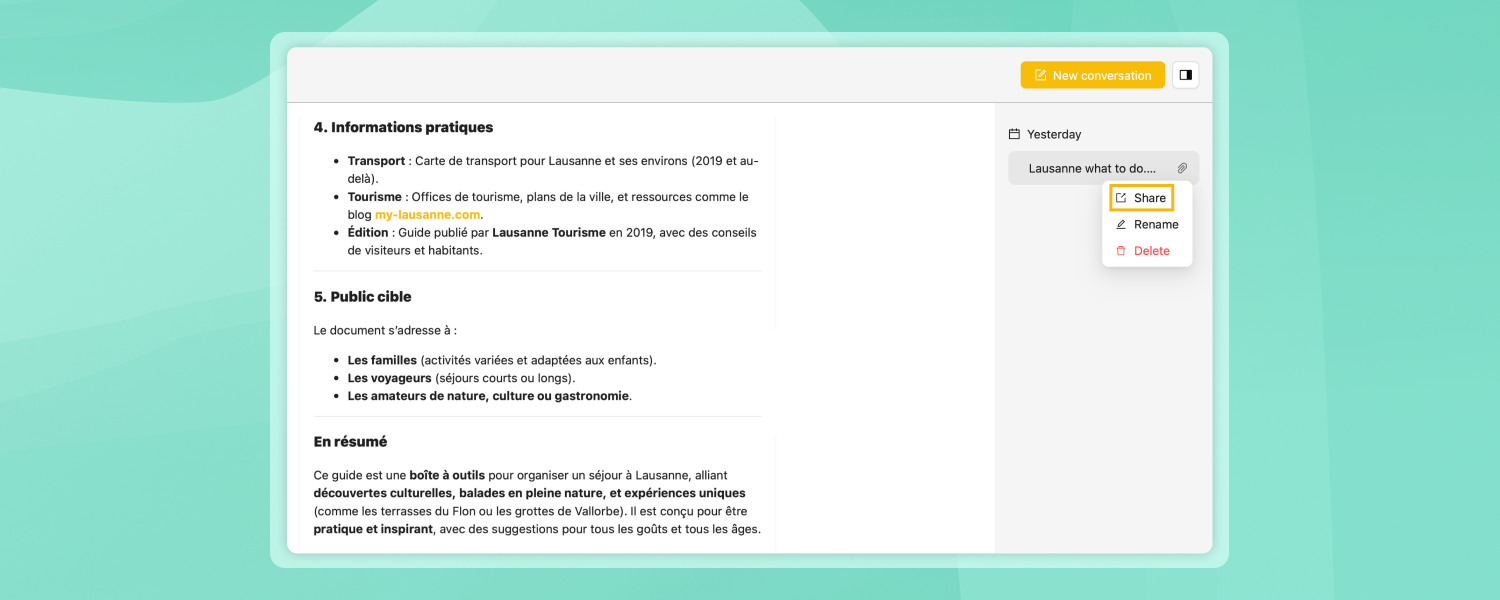
Shared Conversations
You can share a conversation with a colleague via a link. When someone opens your shared link, they see a copy of the conversation; they can view it, and if…
-
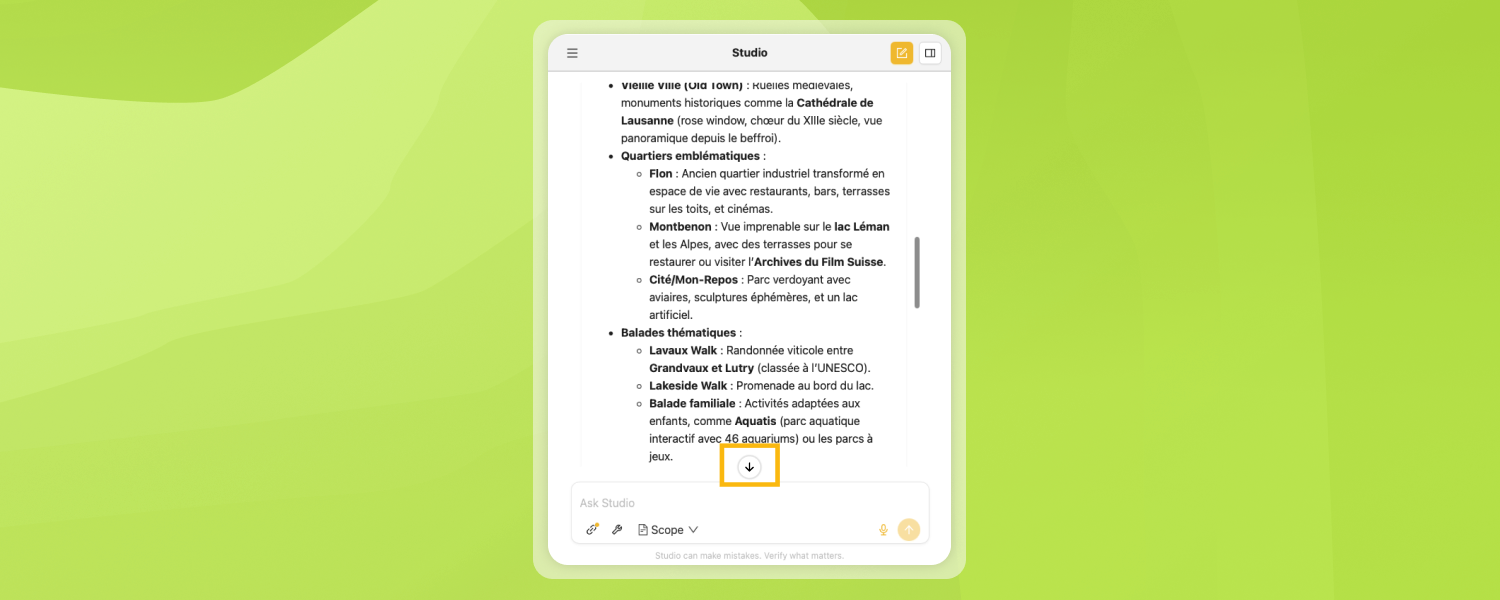
Studio on mobile
Studio is now fully functional on smartphones. The input field is no longer truncated, and a scroll-down button appears when viewing long responses. Several minor fixes have also been made.
-
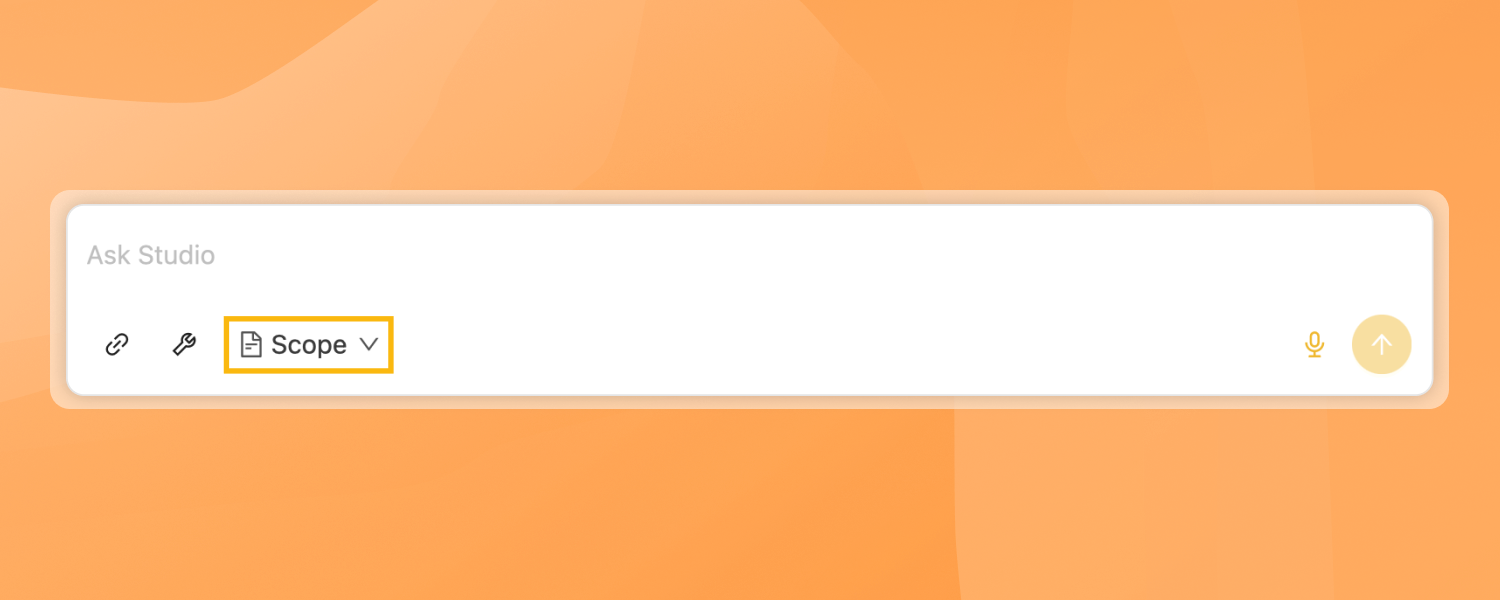
Improvements to the Scope and Tools in Studio
The range selector has been moved from the top of the sidebar to the input area, next to the File and Tools buttons, thus grouping all conversation controls in one…
-
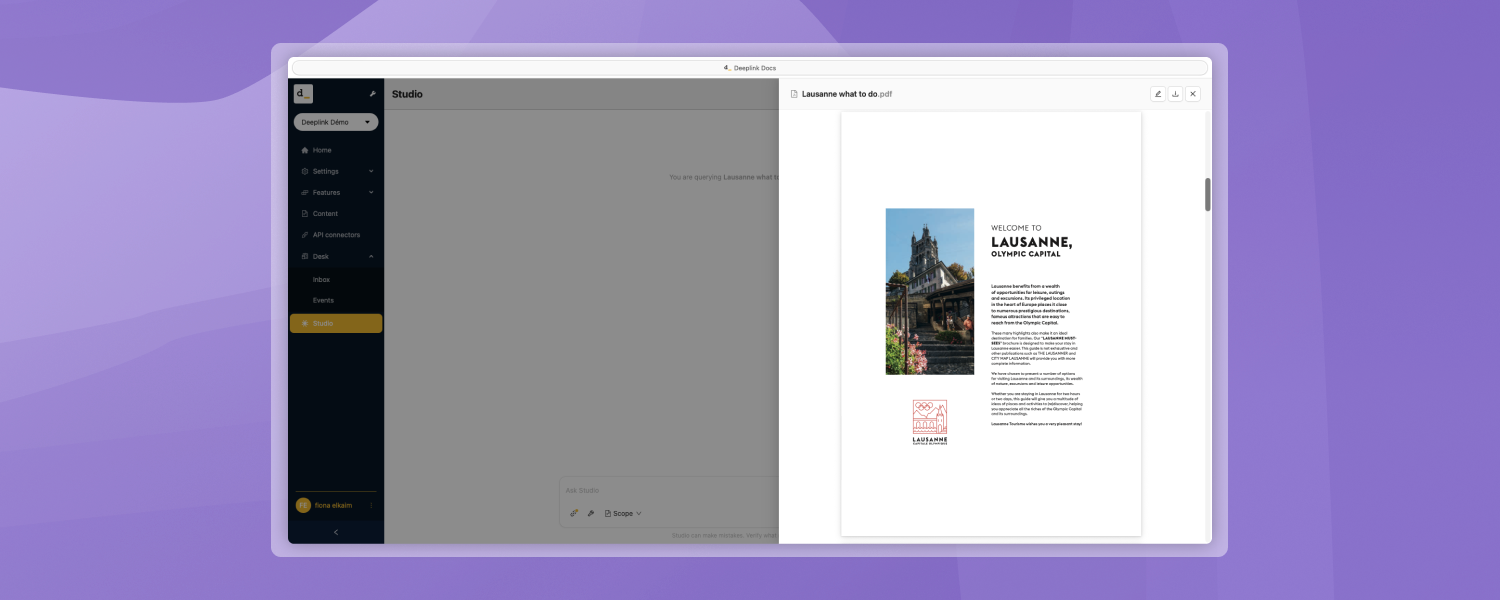
Document Preview in Studio
You can preview source documents directly in Studio without having to open the full editing view. Clicking on an uploaded file or a source reference opens a dedicated preview panel…
If you have any questions, please contact us!