
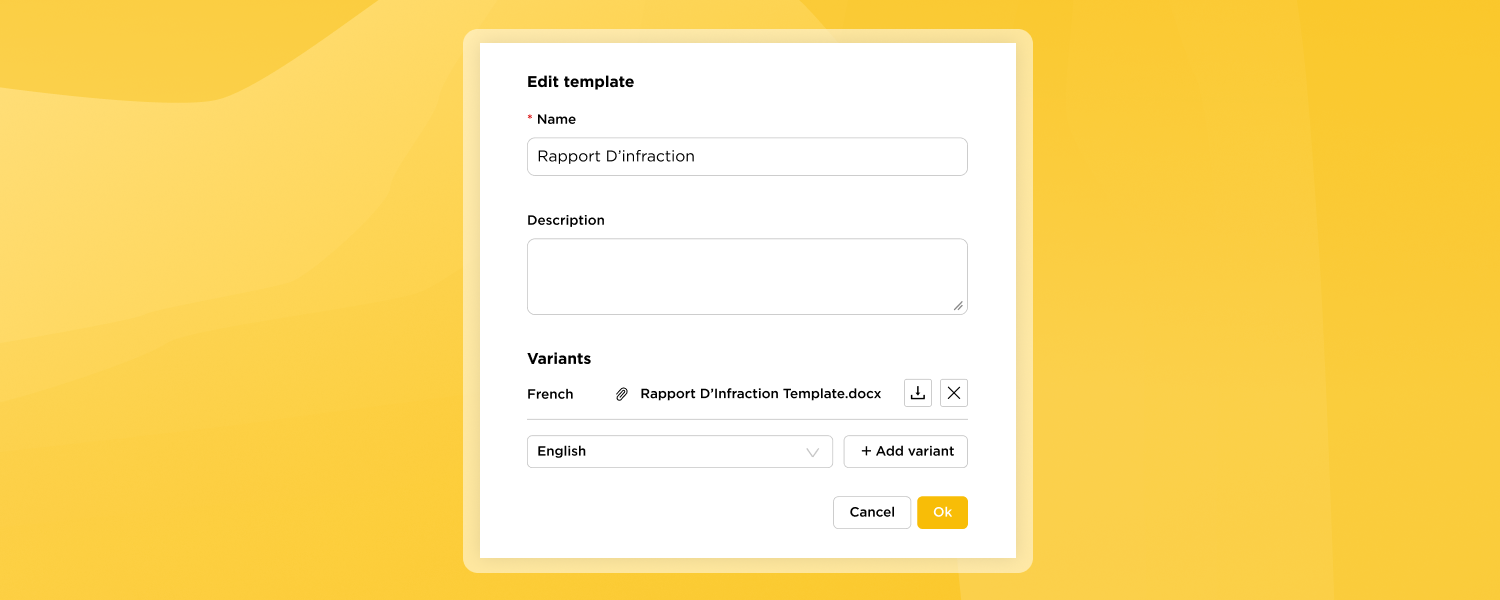
Deeplink Events can now produce ready-to-use Word documents (.docx) that follow your organisation’s format. You no longer need to copy AI output into a separate document and reformat it by hand. The agent writes the content straight into your branded template.
What’s new
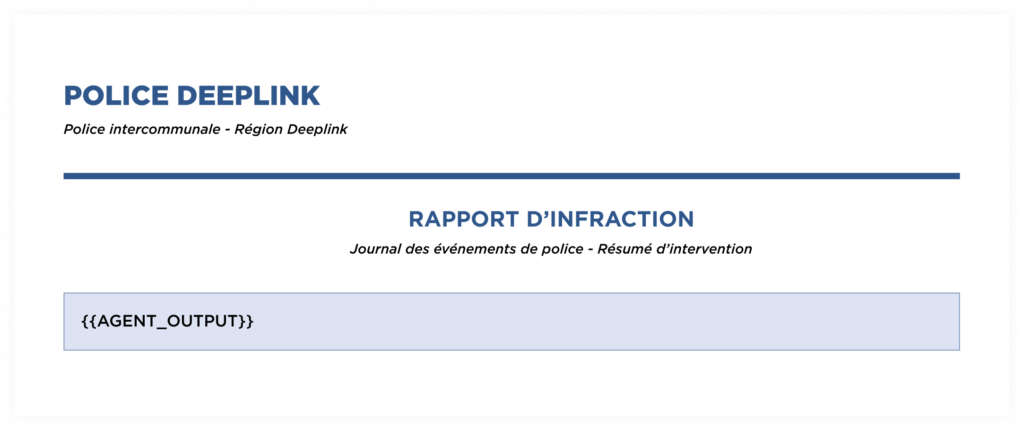
- Templates configuration. A new section under Features –> Templates lets admins upload a .docx template that includes your organisation’s details, logo, header, and document title.
- Choose where the AI content goes. Add the {{AGENT_OUTPUT}} placeholder anywhere in your template. The generated content is inserted there, and your layout and styling are kept as they are.
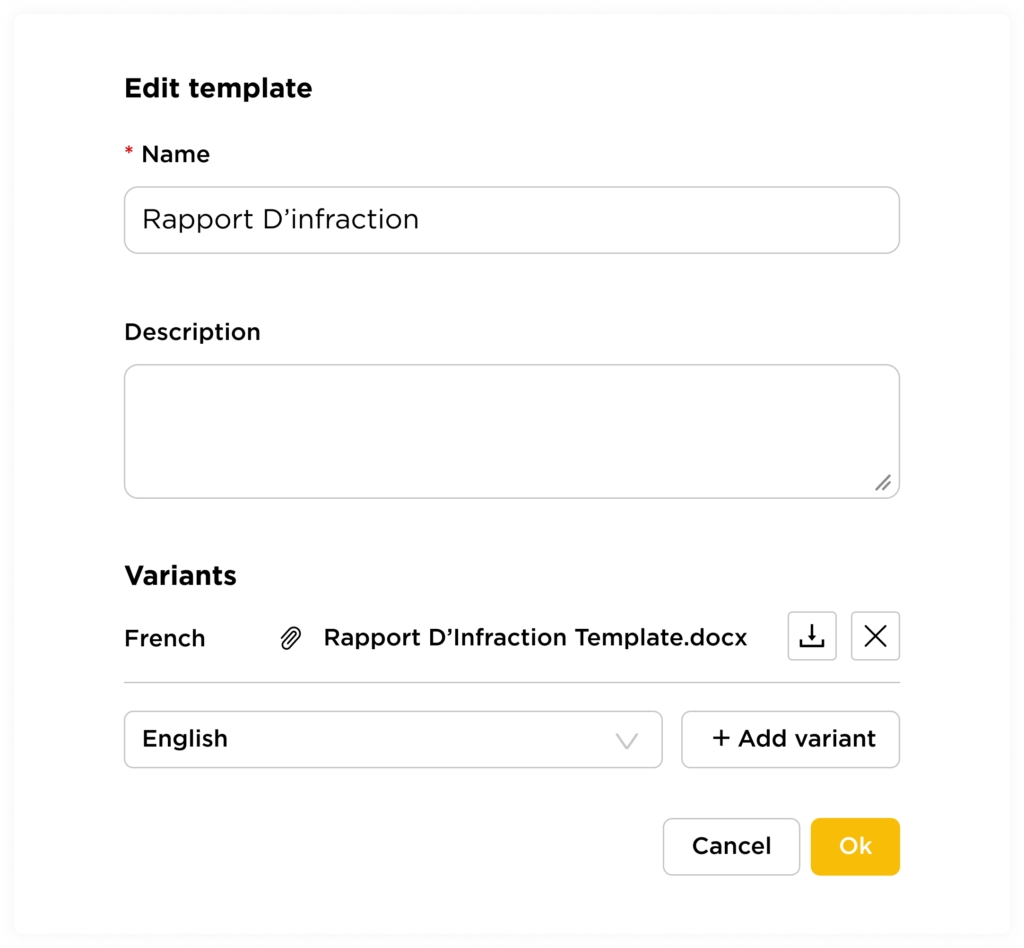
- Multilingual variants. Each template can have one variant per language (for example French, English, or German). Add a variant with + Add variant and upload the matching .docx, so each team gets documents in its own working language.
- Generated documents in Events. Generated files appear under Generated documents in the event, where you can preview, download, or delete them. A notification confirms each time a document has been generated.

How to get started
- Go to Features –> Templates and create a new template.
- Upload your .docx file with the {{AGENT_OUTPUT}} placeholder where the AI content should appear.
- Optionally, add variants for other languages.
- Trigger an event and view the generated document