
Category: Release notes
-
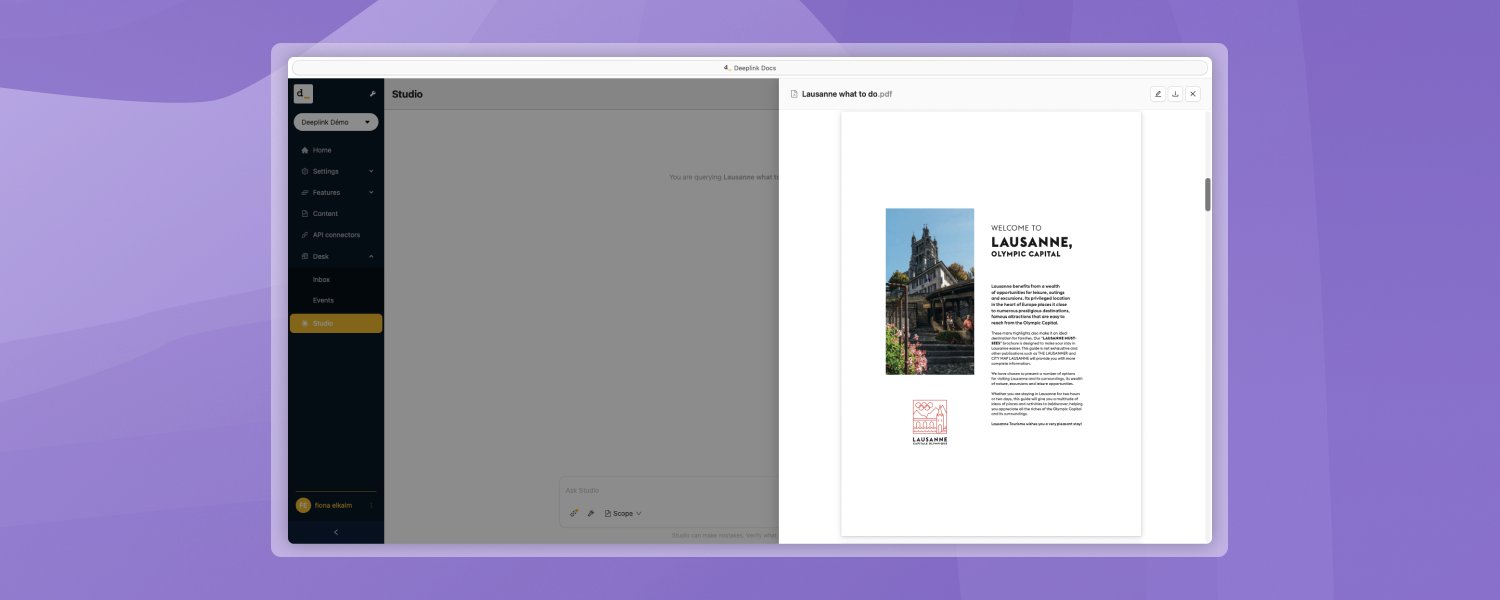
Document Preview in Studio
You can preview source documents directly in Studio without having to open the full editing view. Clicking on an uploaded file or a source reference opens a dedicated preview panel with a consistent display for all file types.
-
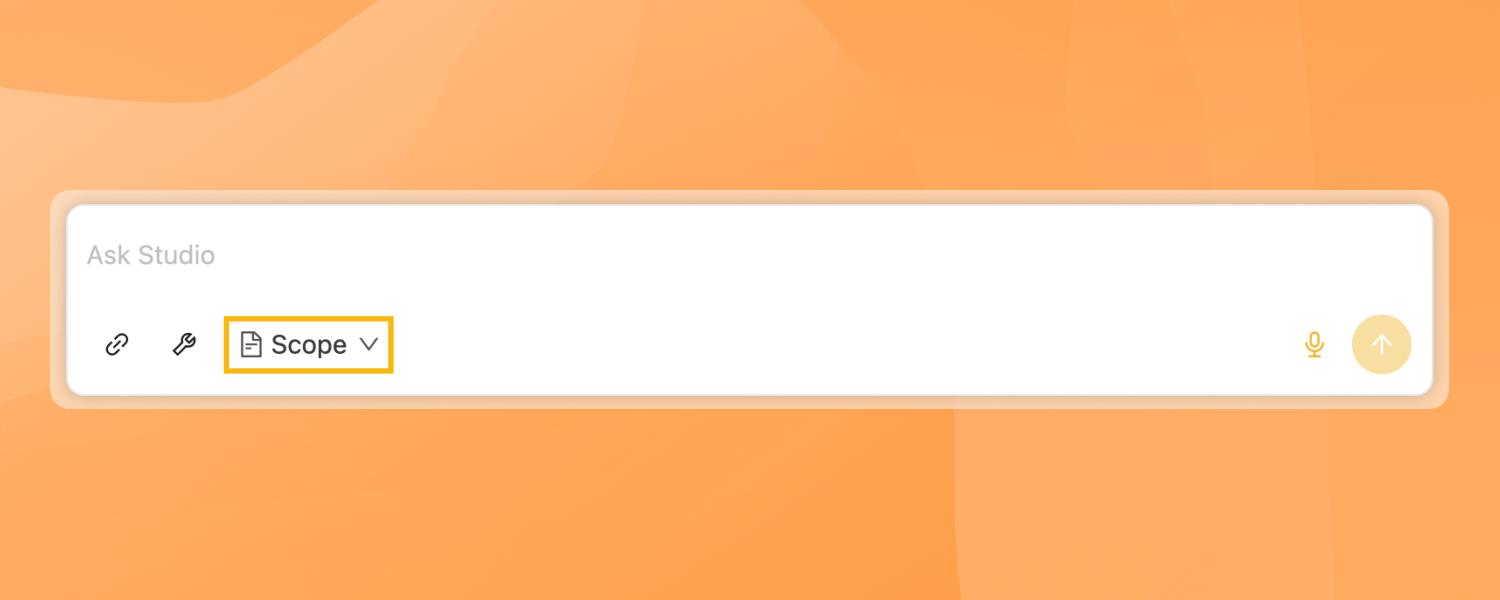
Improvements to the Scope and Tools in Studio
The range selector has been moved from the top of the sidebar to the input area, next to the File and Tools buttons, thus grouping all conversation controls in one place.
-
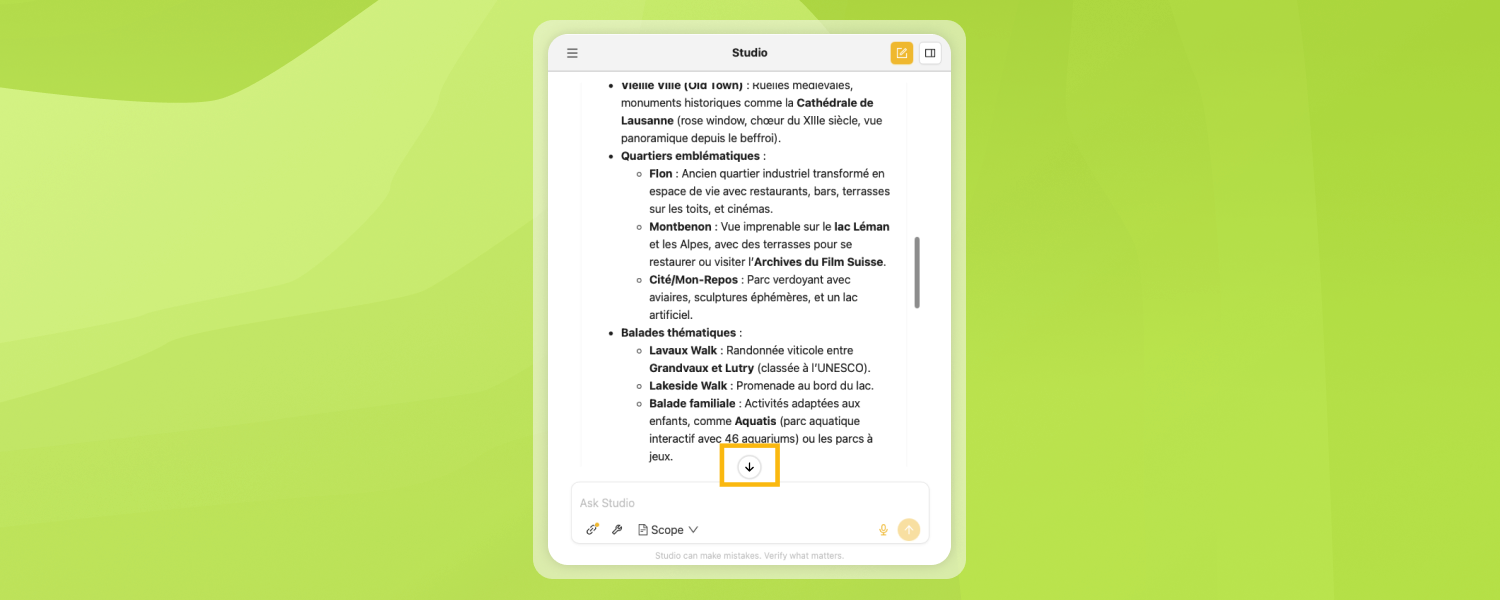
Studio on mobile
Studio is now fully functional on smartphones. The input field is no longer truncated, and a scroll-down button appears when viewing long responses. Several minor fixes have also been made.
-
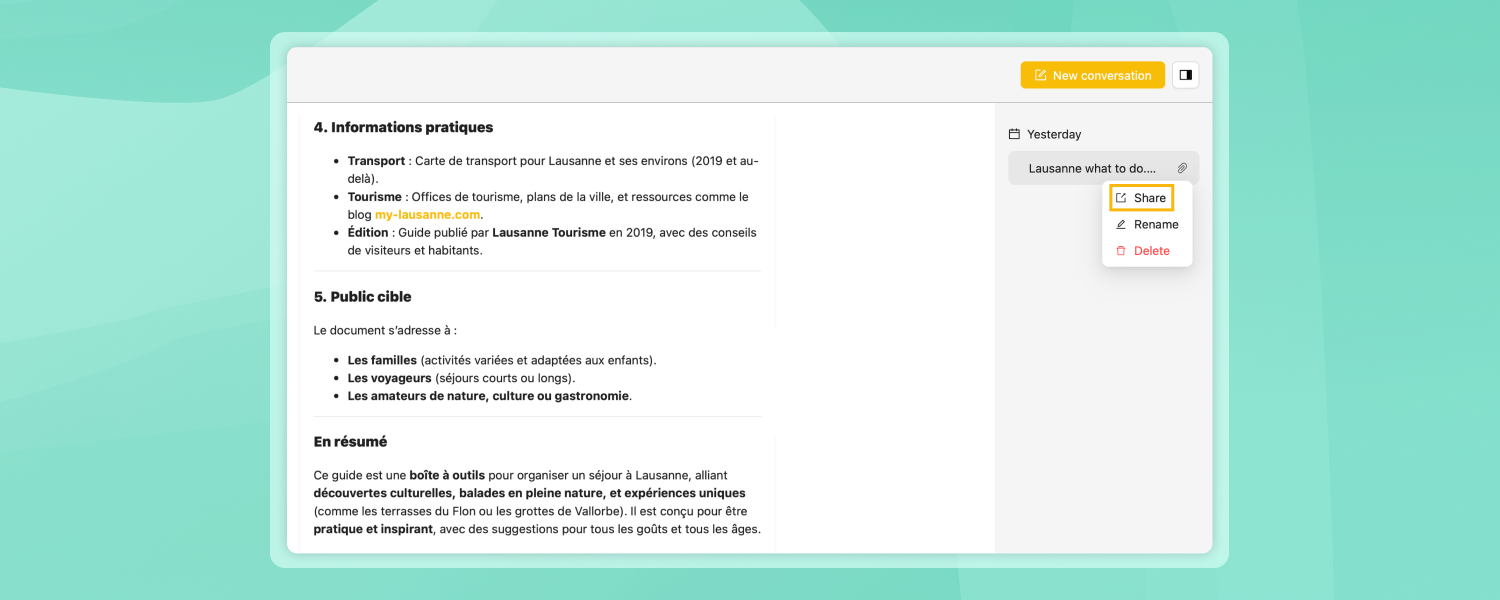
Shared Conversations
You can share a conversation with a colleague via a link. When someone opens your shared link, they see a copy of the conversation; they can view it, and if they want to continue the discussion, it is saved in their own account. Attachments are visible but not accessible to the recipient. If you delete…
-
Favorite Conversations
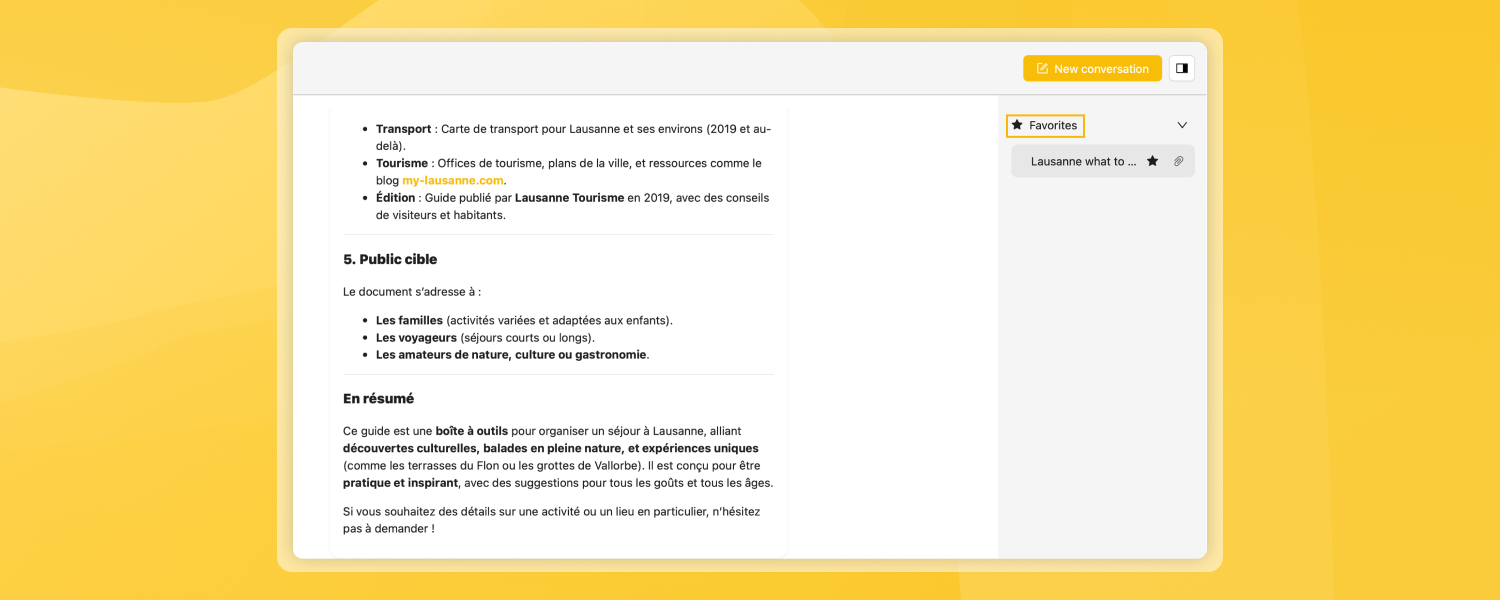
You can now mark a conversation with a star to find it easily. Favorited conversations appear in a dedicated section at the top of your sidebar and are never automatically deleted, unlike regular conversations, which are deleted after 30 days.
-
Faster and more accessible document uploads and conversations
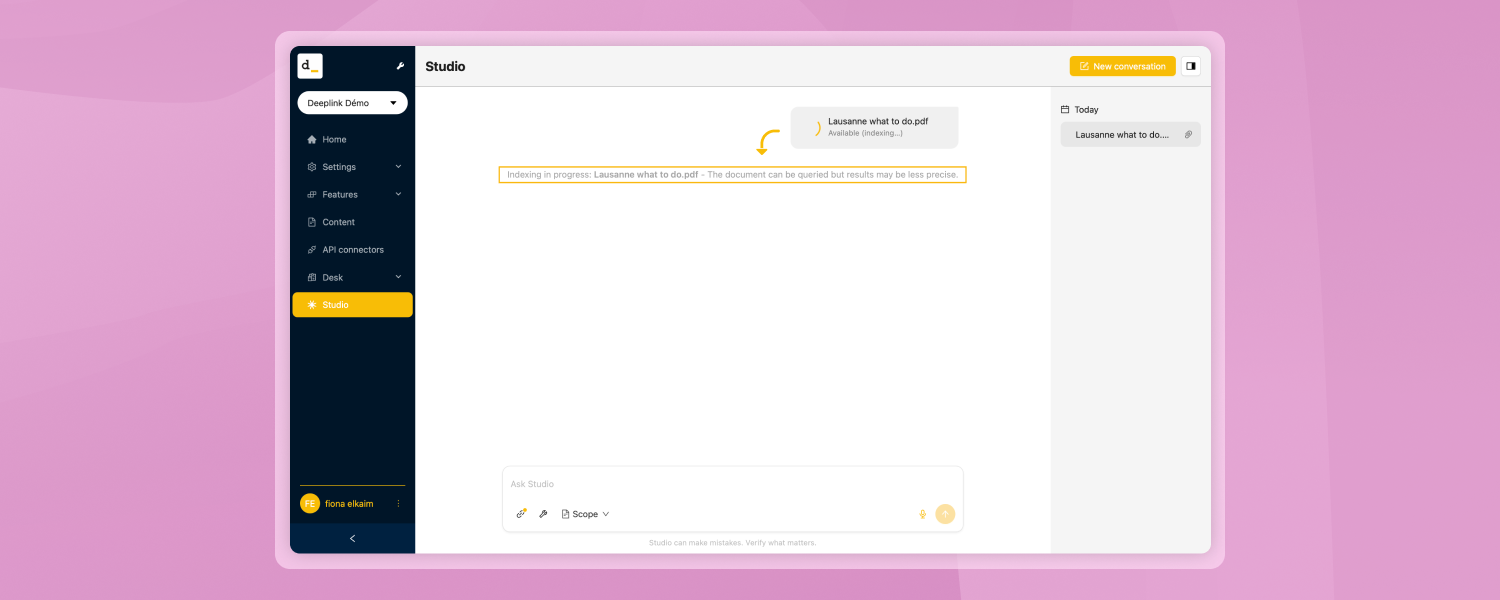
You can ask questions about an uploaded document immediately, without waiting for the system to finish processing it. There is a slight trade-off: as long as the document is still being processed, search results may be slightly less accurate, and some features (such as translations and automatic summaries) are not yet available. Conversations also open…
-
Improvements in terms of accessibility
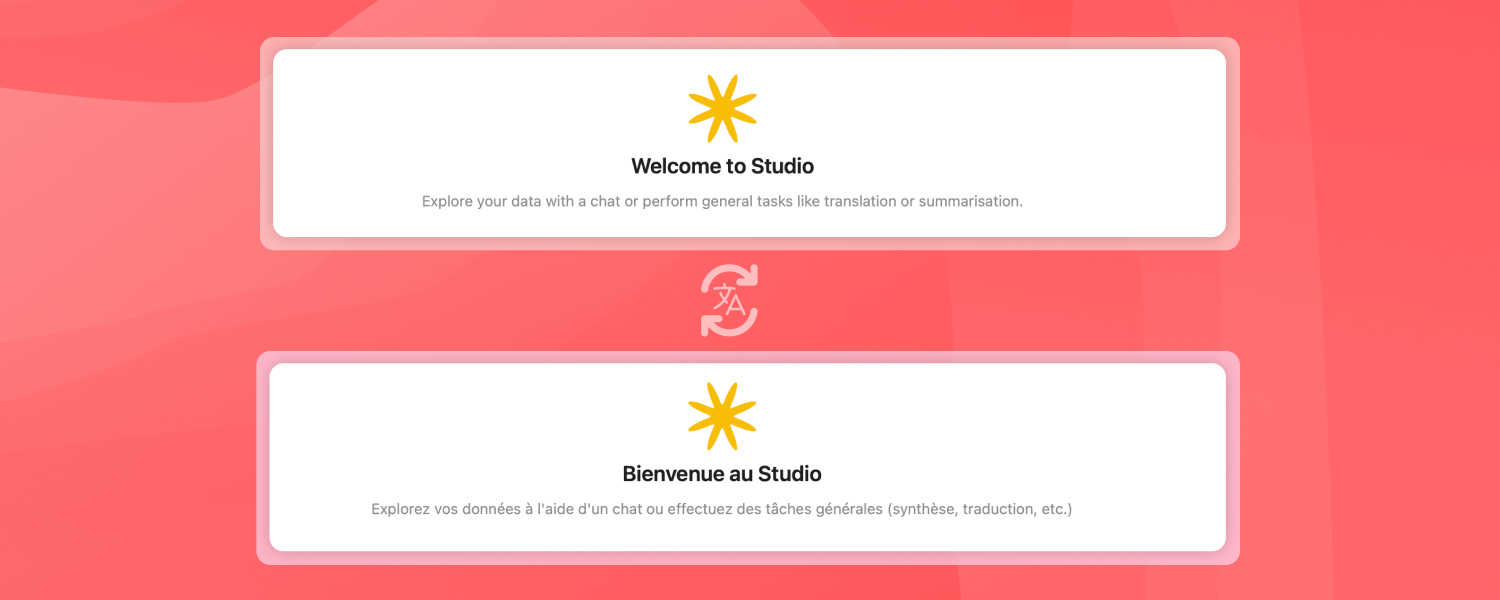
All buttons and labels are correctly translated into all languages, and the platform can be fully navigated using a keyboard or a screen reader. In the chat interface, messages are now displayed in the correct order, the assistant announces when it generates a response, and it is clearly indicated who is saying what in the…