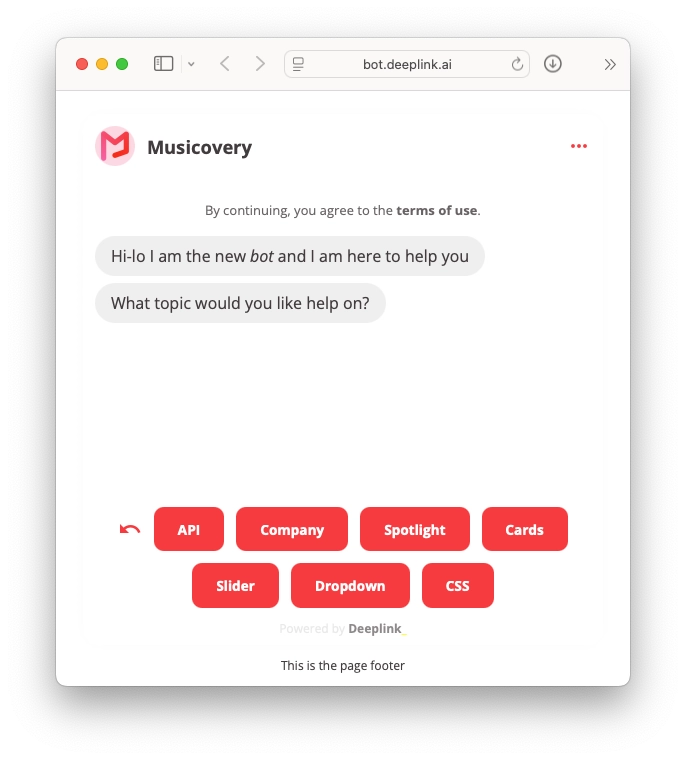
When creating a chatbot, you can use a special screen to configure the appearance (colors) of the most important elements (buttons, text, speech bubbles, etc.).
In some cases, it may be necessary to further customize the virtual assistant. In this case, you can request a custom adaptation from Deeplink.
This guide lists the most common customizations. If you are interested in one or more of them, please contact us.
GDPR / Terms of Use
When setting up a chatbot, you may sometimes want to make it clear that by starting a conversation, the end user agrees to the terms of use (including the fact that the conversation will be recorded in accordance with the company’s data processing policy).
There is a feature that allows you to change the appearance of the first message to simulate static text “outside the conversation.”